Isolated branches. Real terminals. Any CLI AI agent. Zero vendor lock-in.
Run multiple agents simultaneously without context collision.
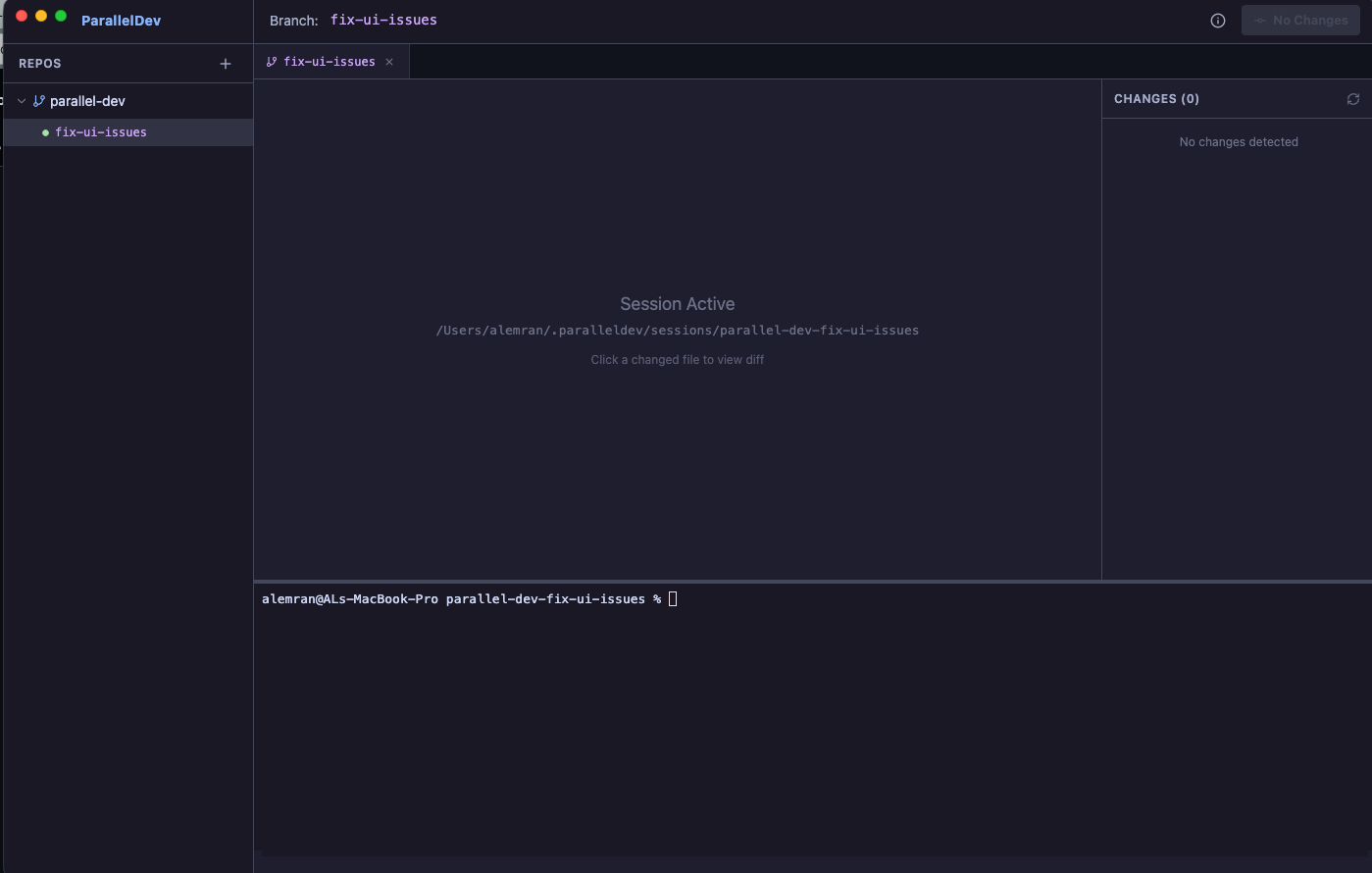
Each AI session runs on its own Git branch and workspace.
Claude, Codex, Amp — run exactly as designed.
Works with any CLI-based AI coding agent.
Fully open source. Inspect, modify, and contribute to the codebase.
No wrappers. No abstractions. No vendor lock-in. Full control.
Click the "Download for Mac" button above to get the .dmg file.
Double-click the downloaded .dmg file to mount it.
Drag the ParallelDev app to your Applications folder.
If macOS blocks the app, run this command in Terminal:
xattr -d com.apple.quarantine /Applications/parallel-dev.app
Open ParallelDev from your Applications folder or Spotlight.
A glimpse of ParallelDev running multiple AI agents side by side.